

Time Machine local snapshots cannot be turned off since macOS 10.13 and must be cleaned up one by one. This note introduces a very simple command that allows you to delete all Time Machine local snapshots at once.
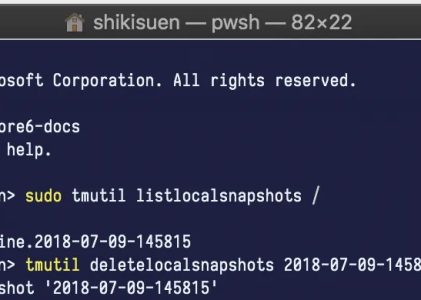
First, execute the following command in PowerShell or Terminal (Bash)
sudo tmutil listlocalsnapshots /Then you will see a window displaying your recent backups.
In macOS 10.15 Catalina, you can use the following command, which is very simple:
tmutil thinlocalsnapshots / 999999999999999 4If you have a lot of backups, you may need to wait for several minutes, and then all of the Time Machine local snapshots will be cleared.