
Install brew
If you don’t have installed brew on your Mac yet, please go to brew.sh and install it on your Mac via Terminal.
If you have done that before, just go right into the next step.
Install QUME
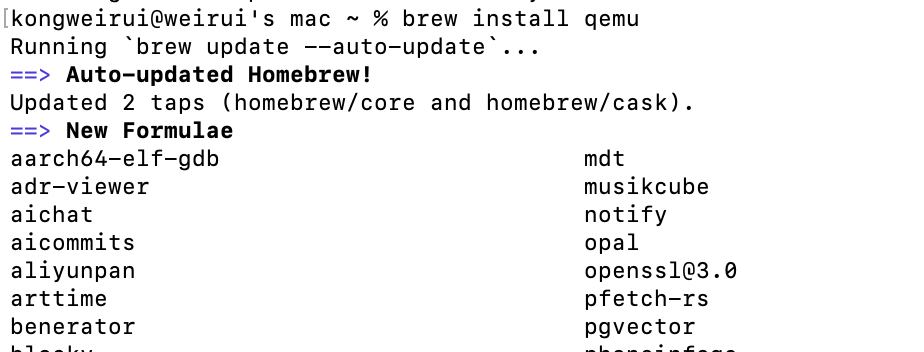
brew install qemuBrew may update itself if outdated, and the installing procedures automatically keep on.
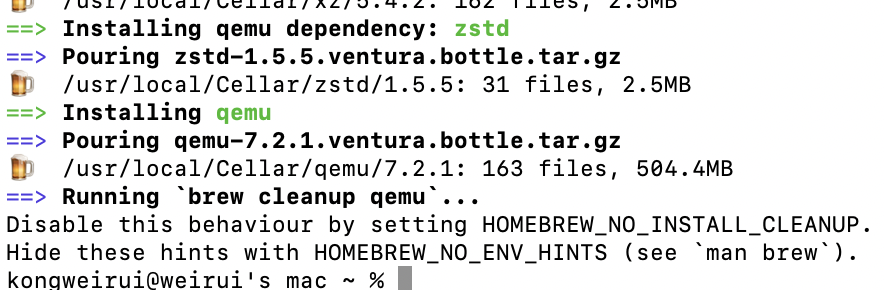
Wait until successfully installed.
Convert your image
qemu-img convert -f raw [original.img] -O vmdk [target.vmdk]Please replace the placeholders with the actual file path on your Mac.
Enter the command and wait a few seconds.

Done!